

About Lingocloud
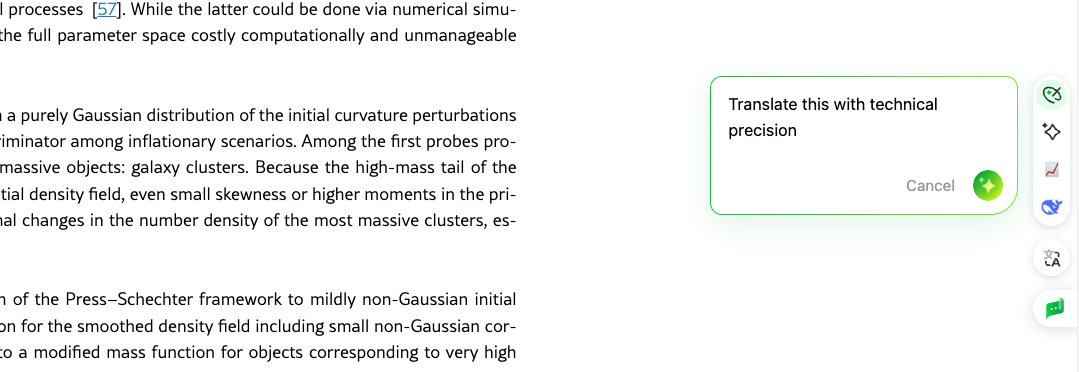
LingoCloud places a translation alongside a source page, PDF or video so the reader can compare passages without switching documents. The developer lists language study alongside its other translation uses.
Who it’s for
People reading documents or watching videos in a second language who want to keep the original visible.
How it works
The extension translates supported content on the page. Side-by-side text or bilingual subtitles let the learner move between the source and its translation.
Key features
- Parallel readingCompare the original with a translation on a web page or PDF.
- Video subtitlesUse bilingual subtitles with supported video content.
- Input translationTranslate text entered in a search or chat field.
Pricing plans
| Plan | What’s included |
|---|---|
| Free | A fixed daily translation quota. |
| Paid access | The provider advertises unlimited usage for paid plans. |
Basic translation has a limited free allowance. Check the provider for the current quota and paid options.
Plan details checked on .View official pricing ↗
